Simple tools for your
everyday files.
FileVit brings essential PDF and image tools together in one simple place, helping you convert, compress, organize, and work with files securely and easily.
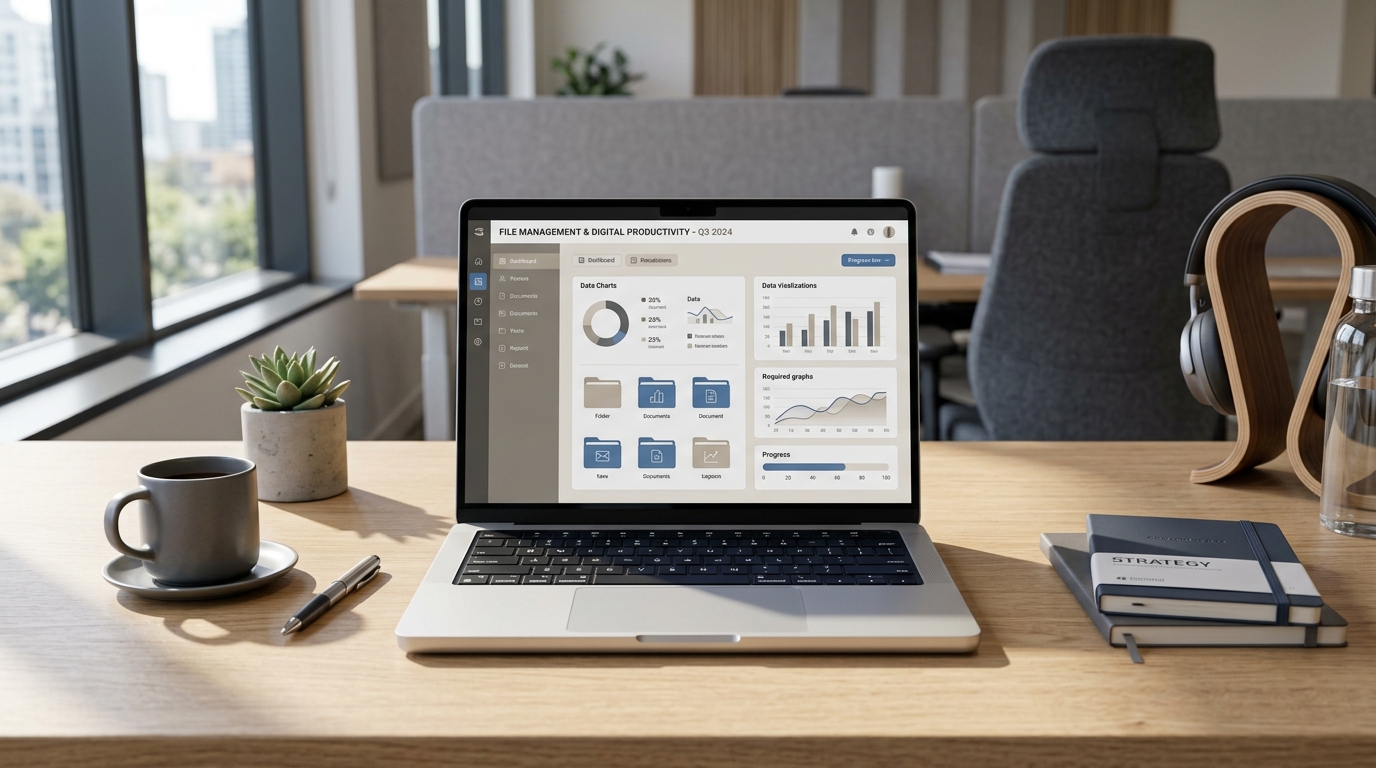

What is FileVit?
FileVit is a comprehensive online utility platform. We provide an accessible suite of PDF and Image tools designed to work seamlessly without requiring software installation or complex workflows.
From merging and splitting documents to compressing heavy images and converting file formats, FileVit was created to eliminate the friction from everyday file tasks.
Simple
Straightforward and easy to use. Our interfaces are designed for everyday tasks without the bloat of complex software.
Practical
Focuses on essential workflows—merging, splitting, compressing, and converting—exactly what you need, nothing you don't.
Privacy-focused
Many FileVit tools process files, meaning your private data doesn't always need to be uploaded to our servers.
How FileVit Works
Choose a tool
Select the PDF or Image utility you need from our comprehensive suite.
Add your file
Upload or drag and drop your document. Our minimal interface keeps things clear.
Process and download
For supported tools, processing happens seamlessly.
The FileVit Tool Ecosystem
Everything you need to manage your documents and images.
Built to make file work simpler.
People often need to perform simple file operations such as converting formats, compressing images, combining PDFs, or extracting pages.
Historically, these basic requirements meant hunting down multiple websites, installing bloated desktop applications, or dealing with overly complex enterprise software just to crop a photo or bind two documents together.
FileVit brings these everyday workflows together in one place.

Your files, processed.
Many FileVit tools process files locally. This means that for supported tools, your private documents and sensitive images never leave your device and are never uploaded to our servers.
Read our Privacy PolicyReady to work with your files?
Explore FileVit tools and get your next file task done in a few clicks.