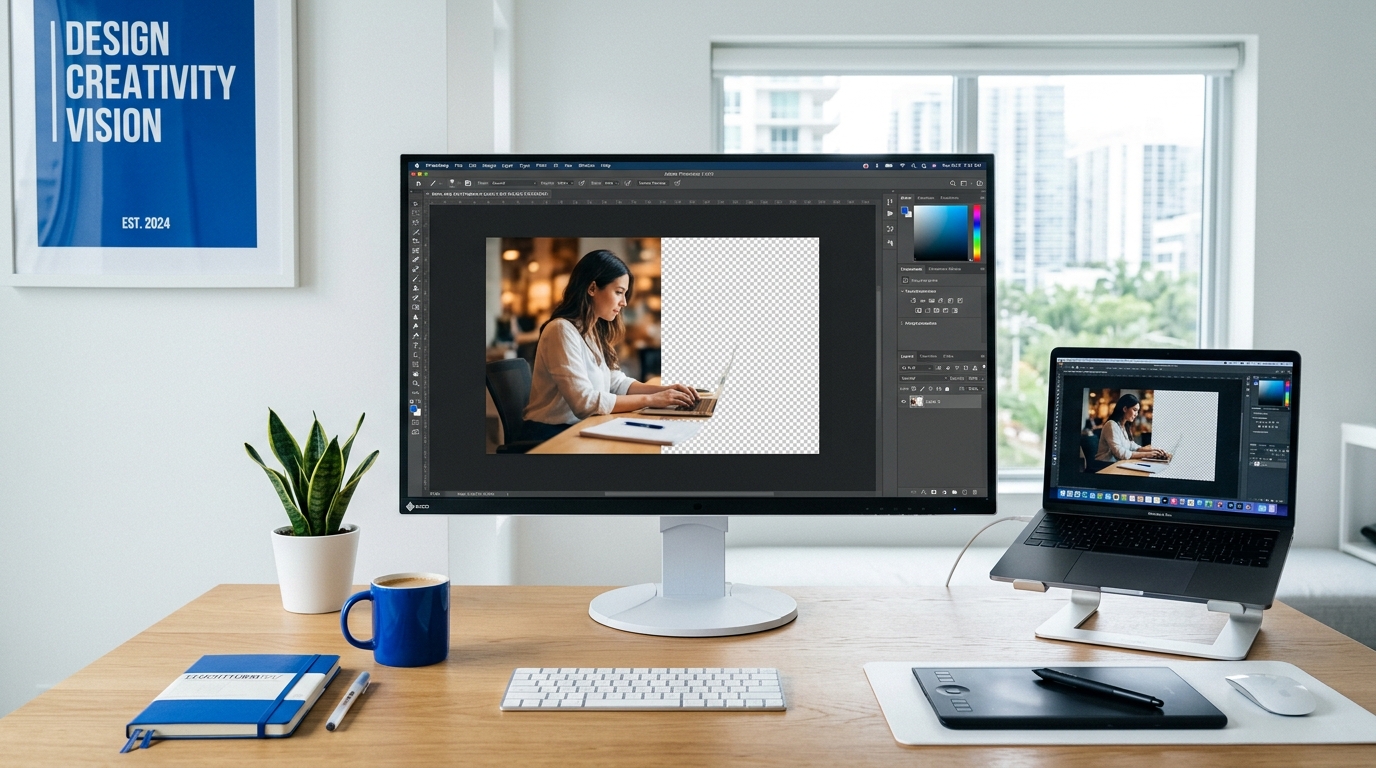
JPG (or JPEG) is the most common format for photographs. But sometimes you need an image in PNG format instead — for transparent backgrounds, lossless editing, or because a tool specifically requires it.
Upload your JPG file to FileVit and download the converted PNG in seconds. The conversion happens locally in your browser with no quality loss.
Convert JPG to PNG →Why convert JPG to PNG?
There are a few key reasons you might need to switch from JPG to PNG:
- Transparent backgrounds — PNG supports transparency, JPG does not. If you plan to remove a background later, convert to PNG first.
- Lossless editing — Every time you save a JPG, it loses a tiny bit of quality. PNG is lossless, so it’s better if you’ll be editing the image multiple times.
- Software requirements — Some design tools, web apps, or printers only accept PNG files.
- Text and graphics — PNG compresses text, logos, and graphics better than JPG, preserving sharp edges.
How to convert for free
You don’t need Photoshop or any desktop software to convert an image format.
The conversion runs entirely inside your browser. Your images are never uploaded to our servers — they're processed locally and stay on your device.
Using FileVit
- Open the JPG to PNG converter.
- Click Select Image to upload your JPG file (or drag and drop).
- Wait a moment for the local conversion to complete.
- Download your new PNG file.
Will converting to PNG improve quality?
No. Converting a JPG to PNG will not recover quality that was lost when the JPG was originally created. What it will do is stop any further quality loss if you plan to edit and re-save the image multiple times going forward.
What about file size?
PNG files are almost always significantly larger than JPG files. PNG uses lossless compression, which preserves more data but results in bigger files. If file size matters, consider using Compress Image after converting.
Frequently Asked Questions
Can I convert multiple files at once?
Yes. FileVit supports selecting multiple files for batch conversion.
Will the PNG have a transparent background?
No — the original JPG doesn’t have transparency information, so the PNG will have a solid background.
Is there a file size limit?
There is no strict limit. However, very large images may take a few extra seconds to process locally on slower devices.